2talk Keypad Chrome Extension

Install and use the 2talk Keypad Chrome extension to place browser calls and dial numbers from webpages.

The 2talk Keypad Chrome extension lets you make and receive calls from your browser and click phone numbers on webpages to dial them with 2talk.
What you can do

  • Click phone numbers on webpages to dial them.
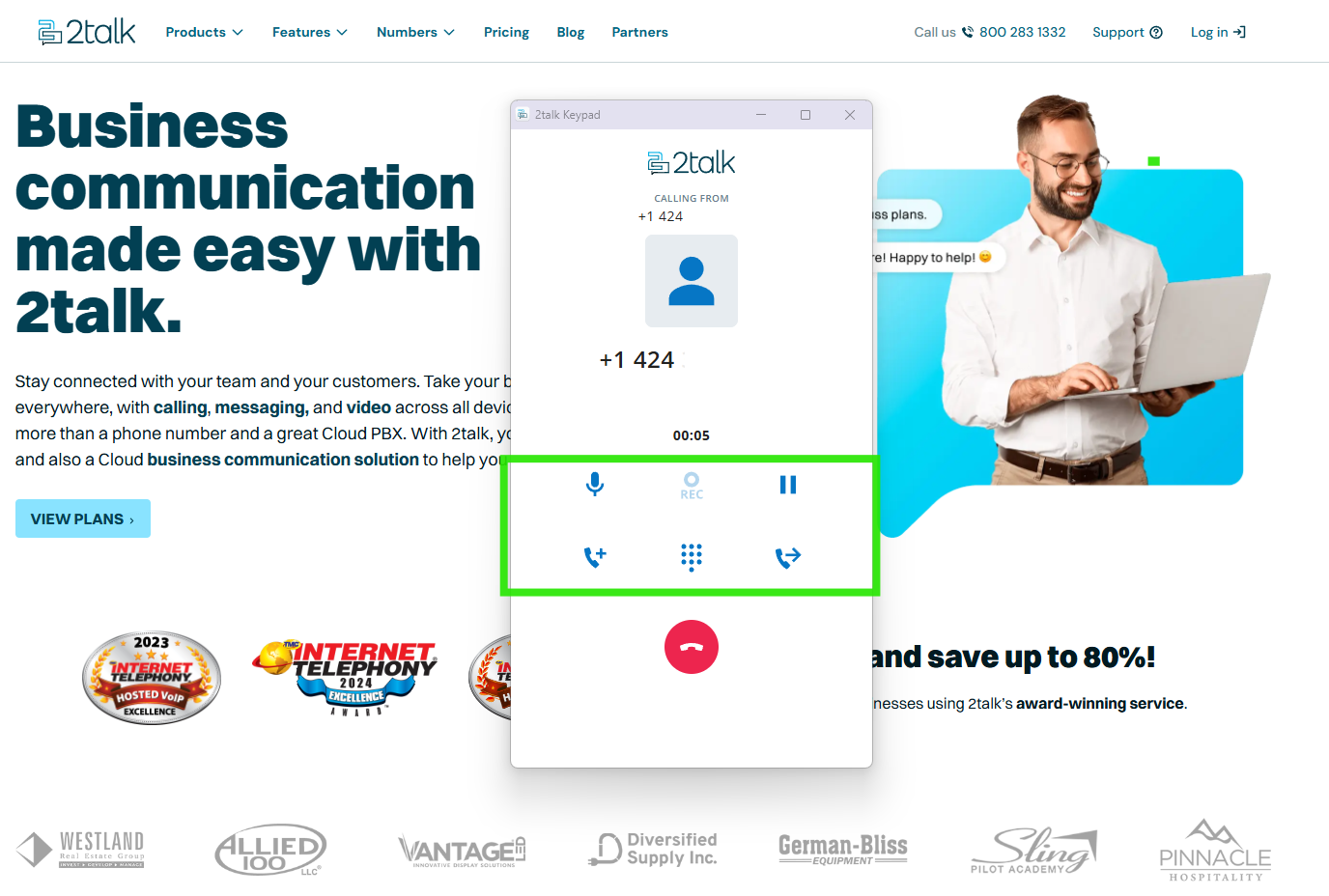
  • Make and receive calls in the browser.
  • Use in-call controls such as hold, transfer, merge, and call recording status.

Install the extension

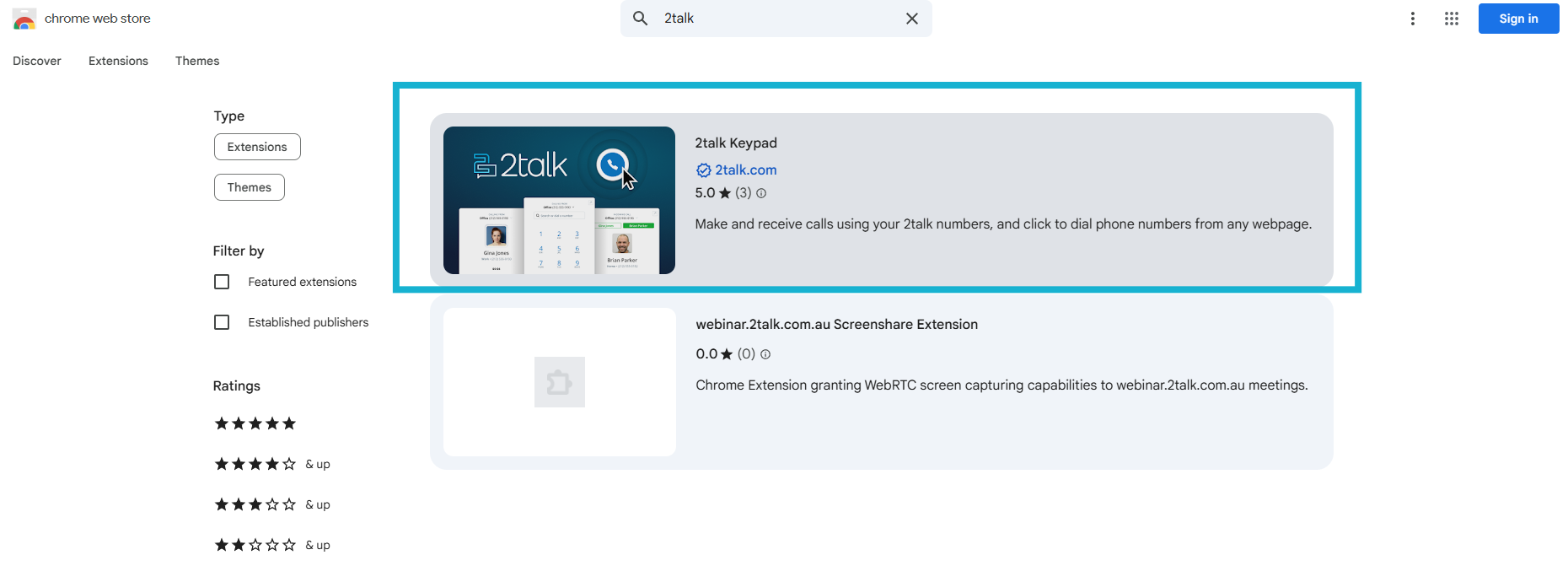
  1. Open the Chrome Web Store.
  2. Search for 2talk Keypad.
  3. Click Add to Chrome.
  4. Click Add extension to confirm.

Start using the extension

  1. Open the extensions menu in Chrome.
  2. Pin 2talk Keypad to the toolbar for quicker access.
  3. Open the extension and log in with your 2talk account.
  4. Allow microphone access when prompted.

Table of Contents