Mobile App
Experience ultimate mobility
Learn more

Mobile App
Experience ultimate mobility
Cloud Communications and VoIP Calling
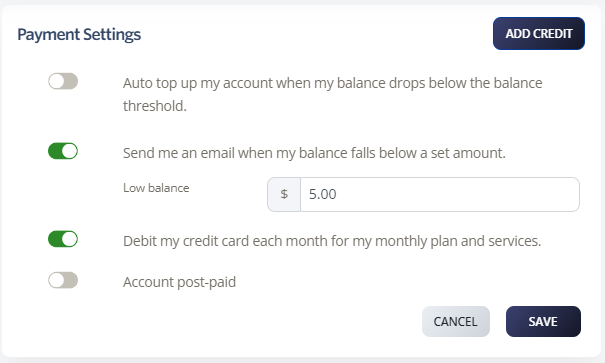
Account balance notifications email you when your prepaid balance falls below an amount you choose. Use them to avoid running out of credit unexpectedly.