Add Credit

Add prepaid credit to your 2talk account with a saved credit card or new card payment.

Add credit to increase the prepaid balance on your 2talk account. You can use a saved credit card or enter card details during the payment.
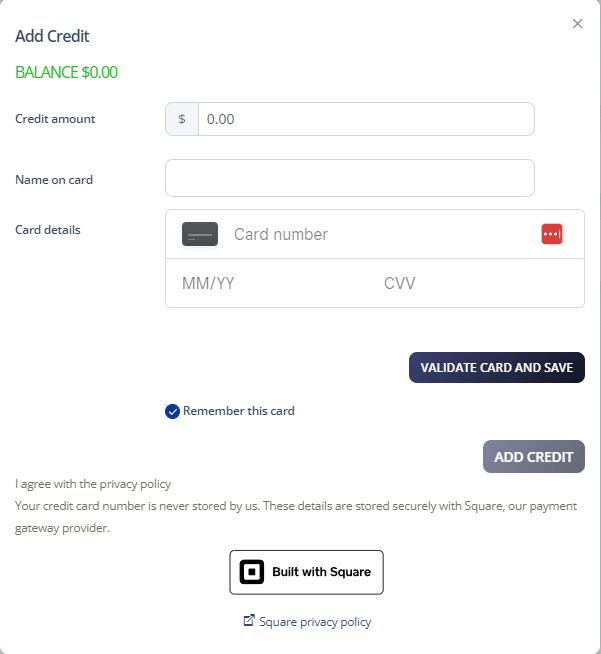
Add credit to your account

  1. Log in to your 2talk account.
  2. Go to Account > Manage Billing.
  3. In Payment Settings, click Add Credit.
  4. Enter the credit amount.
  5. Select a saved card or enter new credit card details.
  6. Click Add Credit.
  7. Review the payment and click Accept.

Add credit

Table of Contents