Mobile App
Experience ultimate mobility
Learn more

Mobile App
Experience ultimate mobility
Cloud Communications and VoIP Calling
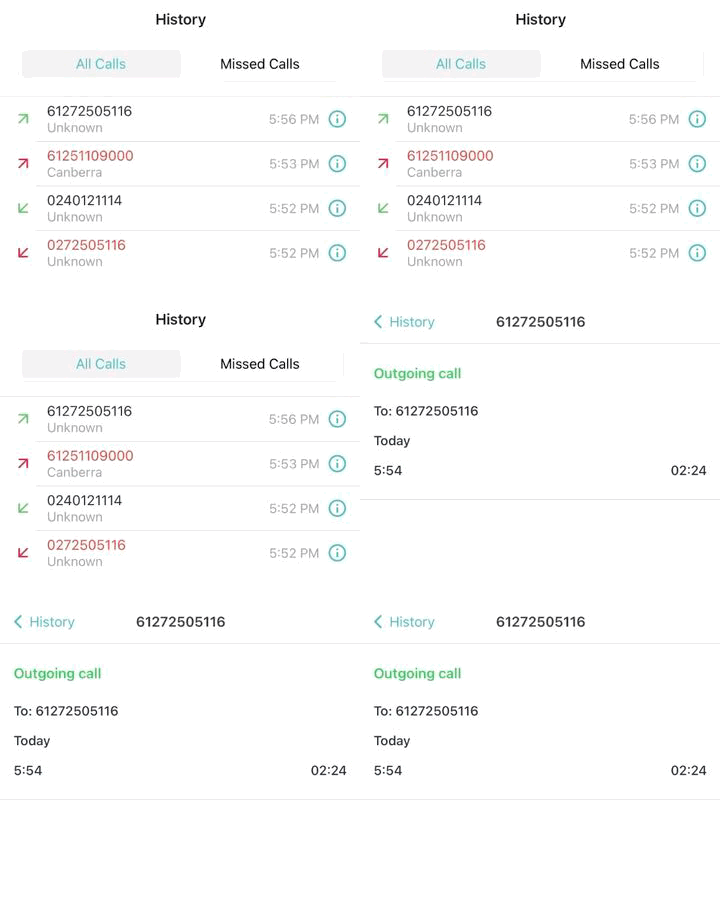
Call History in the 2talk app shows recent calls, missed calls, and video conference records for the numbers added to your app.
All Calls is the default view. It includes inbound calls, outbound calls, missed calls, and video conference activity.
Video conference records appear in All Calls and include the meeting link. Hosts and guests see the same conference record. Tap the details icon to view the full link and meeting duration.

Missed Calls filters the history list to missed calls only. Missed calls also remain visible in All Calls.
Missed calls are shown in red. Use the arrow direction or the details icon to see whether the missed call was inbound or outbound.

To call back from All Calls or Missed Calls, tap the number in the list. You can also open the details icon and tap the phone icon.
Note: If you have more than one number in the app, Call History shows activity for all added numbers.
