Mobile App
Experience ultimate mobility
Learn more

Mobile App
Experience ultimate mobility
Cloud Communications and VoIP Calling
White Label Administrators can create customer accounts from the 2talk platform. Use this workflow when you need to add a new customer under your white label.
Only administrators can create customer accounts.
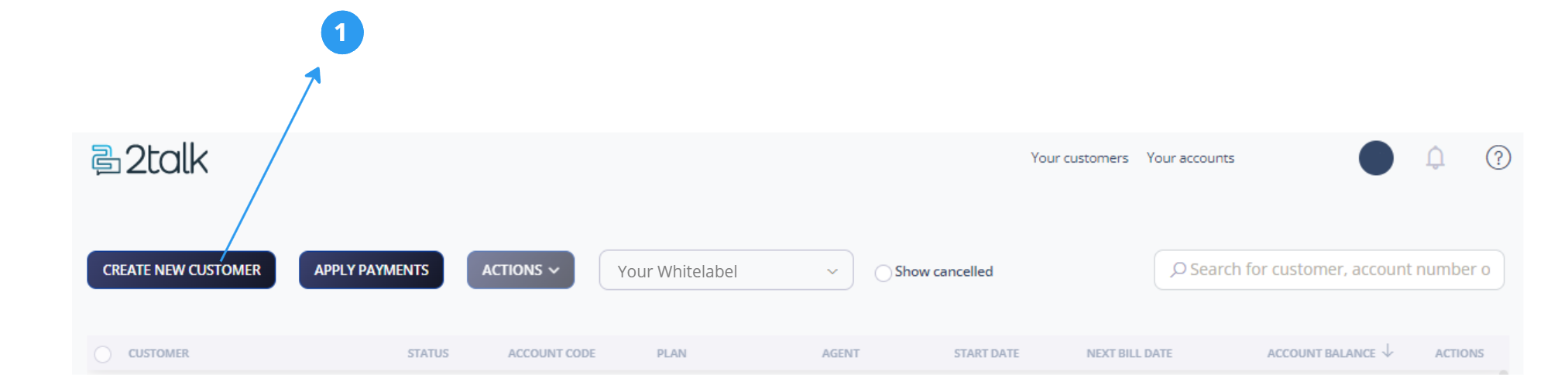
After you open Create New Customer, choose how the account should be created.

Use this option when the customer should activate and manage their own account. The customer receives an activation email and completes the signup process themselves.
This option is intended for white labels with an ecommerce integration. The customer can complete activation and fund the account using their own payment method.
You will need to provide:
Use this option when you want to create the account, add numbers, and configure PBX settings on behalf of the customer.
Charges for the customer account are billed to your white label account. You are added as an account administrator by default.
You will need to provide:
After the customer account is created, you can add users, invite customer administrators, assign numbers, and configure PBX settings.
