Invite a User as a White Label Administrator

Invite new customer users as a White Label Administrator so they can access and manage their account.

White Label Administrators can invite customer users so they can manage their own account access. Use this workflow when the user does not already exist in your white label.
Invite a new user

  1. Log in to your 2talk account.
  2. Go to Customers.
  3. Select the customer account you want to update.
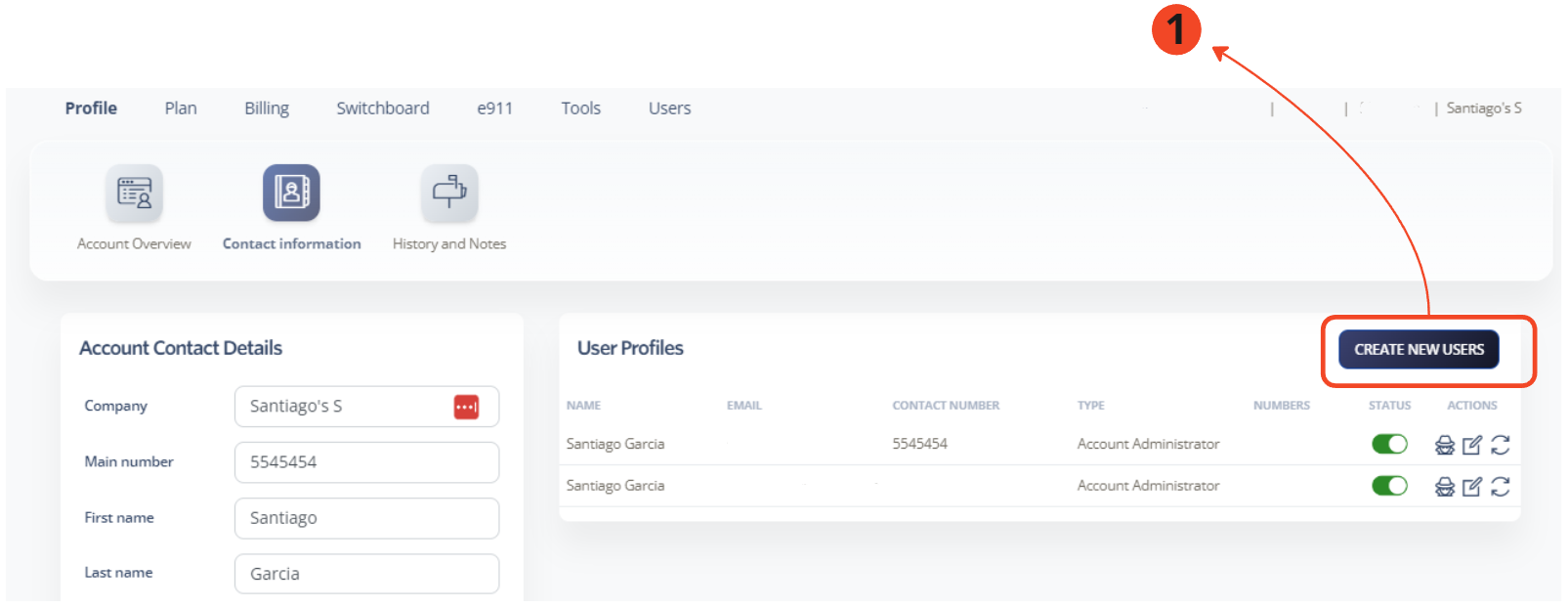
  4. Go to Profile > Contact Information.
  5. Select Create New Users.

Create new users option

A new tab opens where you can enter the email addresses for the users you want to invite.
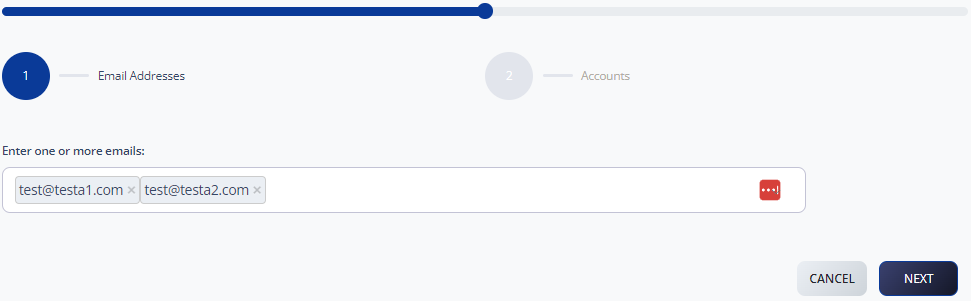
Invite user email entry

Set account access

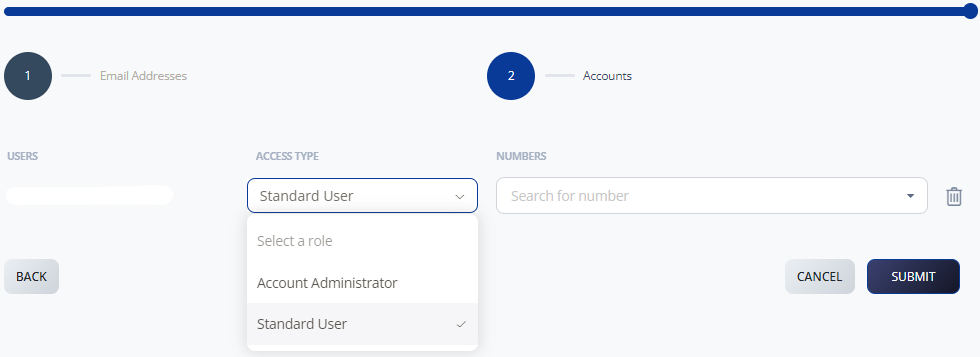
  1. On the Accounts screen, choose whether the user should be an administrator or standard user.
  2. Assign a number to the user if needed.
  3. Click Submit.

Invite user account access

The invited user receives an email with instructions to activate access.

Table of Contents