Mobile App
Experience ultimate mobility
Learn more

Mobile App
Experience ultimate mobility
Cloud Communications and VoIP Calling
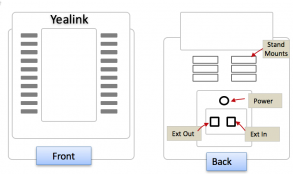
Yealink expansion modules add programmable keys for receptionists, administrators, call center agents, and other users who monitor many lines or features.
The Yealink EXP40 works with supported Yealink T46 and T48 series phones. Each module provides 20 physical keys with dual-color LEDs and two display pages, for up to 40 programmable keys per module.
Some supported host phones can connect multiple modules. Additional power may be required when using more than two modules.