Get phone numbers with 223 area code for your Pennsylvania business
The 223 area code serves Pittsburgh and surrounding cities in western Pennsylvania. A major economic center in the Rust Belt, Pittsburgh has reinvented itself around industries like technology, healthcare, education and energy.
The 223 area code was introduced in 1999 as an overlay to Pittsburgh’s original 412 area code due to increasing demand for phone numbers. Today 223 and 412 serve Allegheny County and surrounding regions together. Nearby codes include 724, 814 and more.
For businesses located in Pittsburgh and vicinity, a local 223 number connects your brand to the community. Customers recognize companies that understand the city’s blue-collar roots and new economy. Partner with 2talk to get cost-effective 223 numbers that tap into metro Pittsburgh. 2talk simplifies getting vanity, toll-free and virtual phone numbers.
Grow your business with a 223 number.
2talk helps your business engage and build trust with your Pittsburgh customers.
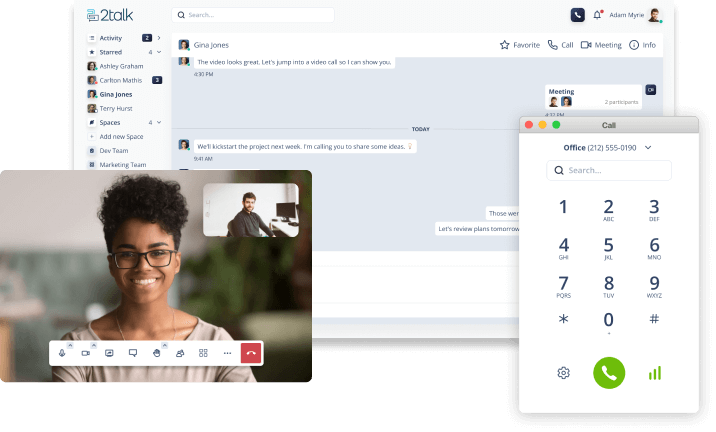
Make and receive calls with your 223 number online, send texts, and set up video meetings, no extra hardware required, directly from your browser, with the 2talk Web App.