Mobile App
Experience ultimate mobility
Learn more

Mobile App
Experience ultimate mobility
Cloud Communications and VoIP Calling
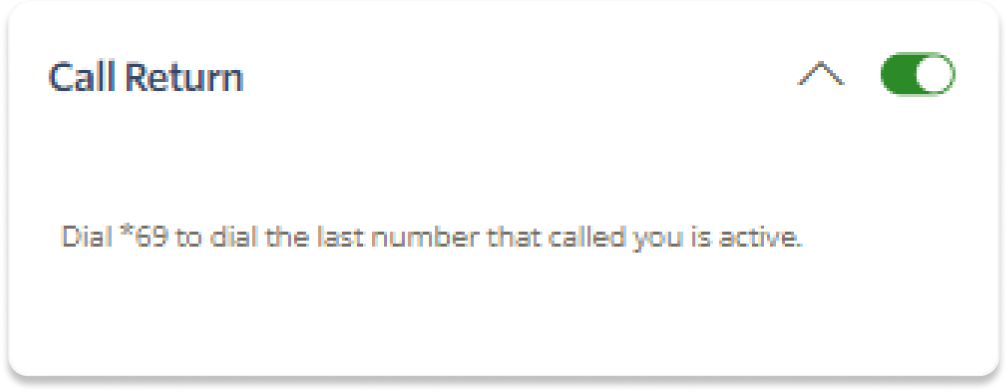
Call Return lets you call back the last number that called you by dialing the shortcode *69. This is useful on phones that do not have a built-in call return option.
Dial *69 from the phone to call back the last caller.