Mobile App
Experience ultimate mobility
Learn more

Mobile App
Experience ultimate mobility
Cloud Communications and VoIP Calling
Caller Music plays an audio file to callers while they wait for the call to be answered. Use it for a professional greeting, announcement, or music instead of standard ringing.
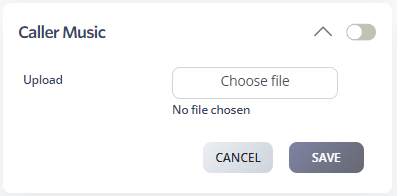
You can upload more than one file. When multiple files are uploaded, they play in order and loop until the call is answered.
