Mobile App
Experience ultimate mobility
Learn more

Mobile App
Experience ultimate mobility
Cloud Communications and VoIP Calling
Heartbeat provides a basic ICMP connectivity check between 2talk and your network. It is useful for seeing general reachability, but it may not catch short packet-loss events unless they persist long enough to be measured.
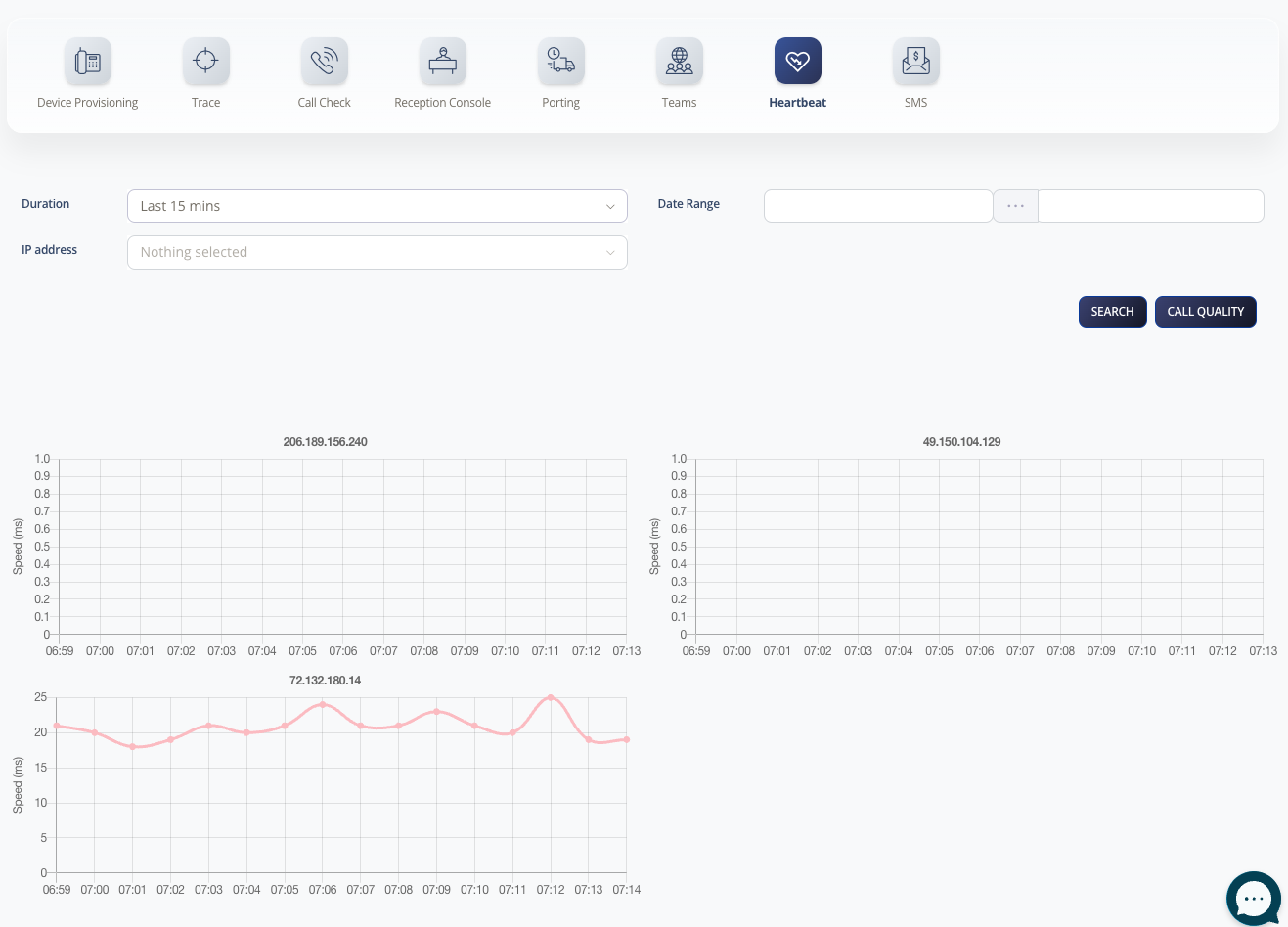
Heartbeat requires your router or firewall to respond to ICMP ping.
Only allow ICMP if it fits your security policy.
