PIN Code

Require a PIN before users place outbound calls that match selected call types, such as international calls.

A PIN Code helps prevent unauthorized outbound calls. When enabled, users must enter the PIN before placing calls that match the selected call type.
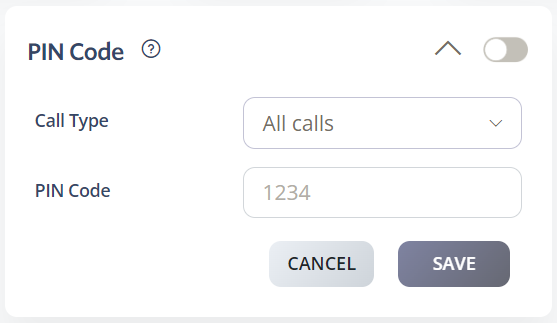
Set up a PIN Code

  1. Log in to your 2talk account.
  2. Go to Switchboard.
  3. Select the number that should require a PIN.
  4. Go to Outbound > PIN Code.
  5. Select the call type that requires a PIN.
  6. Enter a four-digit PIN.
  7. Click Save.

Call type options

  • All calls.
  • Toll-free calls only.
  • International calls only.
  • Expensive international calls only.

PIN

Table of Contents