Mobile App
Experience ultimate mobility
Learn more

Mobile App
Experience ultimate mobility
Cloud Communications and VoIP Calling
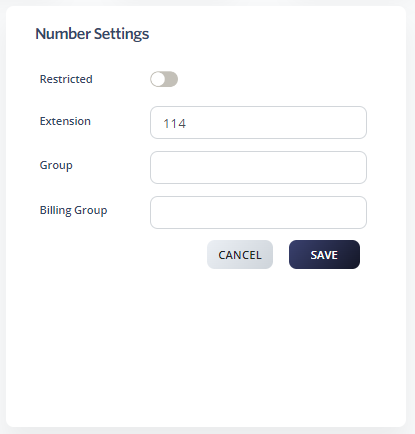
Groups let you control which numbers can transfer calls to each other. For example, the Sales group can transfer calls only to other Sales numbers, and the Support group can transfer only to other Support numbers. Use Groups to keep call routing organized when one account holds many teams.
Repeat for every number that should belong to the same group. Numbers with matching group names can transfer calls to each other.