Mobile App
Experience ultimate mobility
Learn more

Mobile App
Experience ultimate mobility
Cloud Communications and VoIP Calling
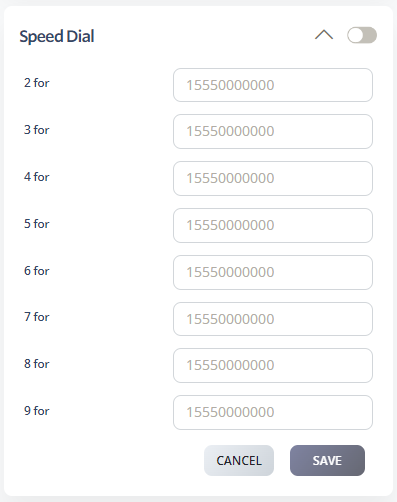
Speed Dial lets users call frequently used numbers with a short code instead of dialing the full phone number. You can configure up to eight speed dial entries for a number.
Include the full number for long-distance or international destinations. For local numbers, use the format accepted by your calling plan.