Listen to Your Voicemails

Listen to, download, or delete voicemail messages from your 2talk account or by phone.

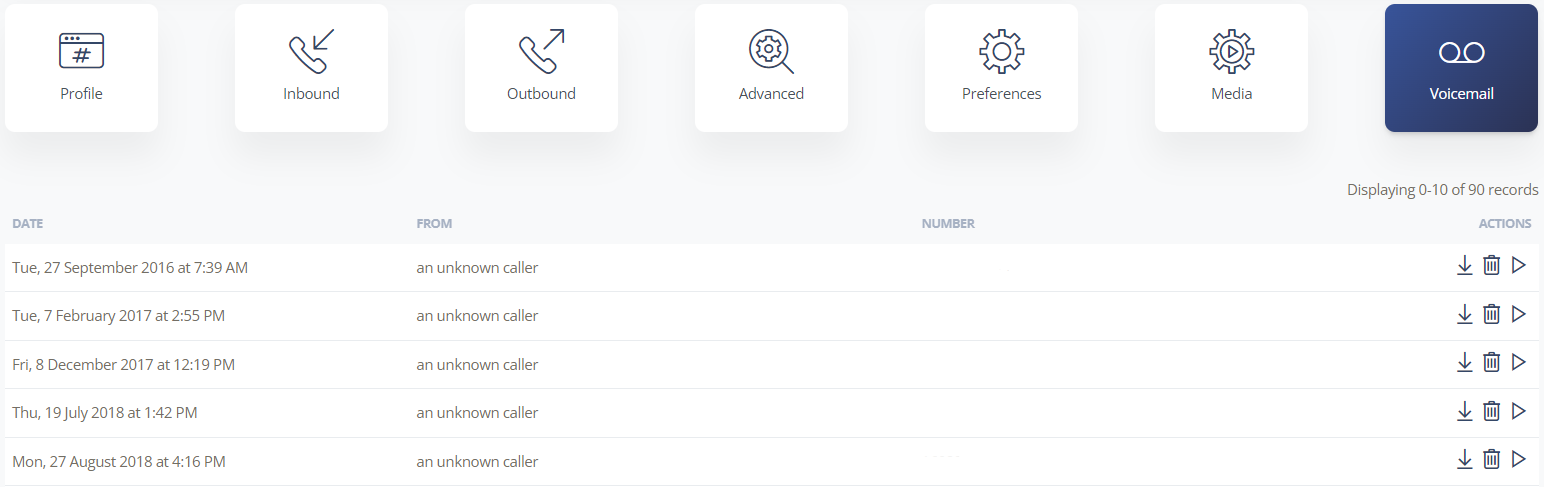
After voicemail is enabled for a number, messages are available in your 2talk account. You can play, download, or delete each message.

Voicemail messages are stored separately for each number, so make sure you select the correct number before reviewing messages.
Listen from your 2talk account

  1. Log in to your 2talk account.
  2. Go to Switchboard.
  3. Select the number that received the voicemail message.
  4. Select Voicemail.
  5. Choose Play, Download, or Delete for each message.

Voicemail message list

Listen from a phone

  • Dial *55 from your 2talk phone to access the voicemail box for that number.
  • To access voicemail from another phone, call your own number, wait for voicemail to answer, then press *55. Enter your PIN followed by # when prompted.
Table of Contents