Mobile App
Experience ultimate mobility
Learn more

Mobile App
Experience ultimate mobility
Cloud Communications and VoIP Calling
2talk supports SMS through the mobile app and desktop app. SMS availability depends on your account, number configuration, and any required 10DLC registration for U.S. business messaging.
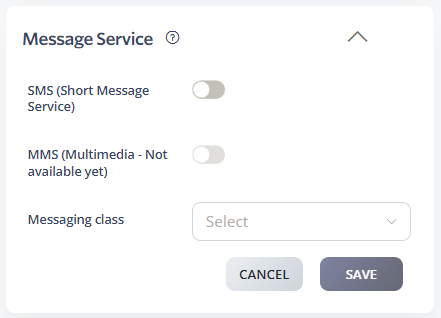
U.S. business SMS sent from local numbers may need 10DLC registration. This helps carriers identify who is sending messages, what the messages are for, and how recipients opted in.
10DLC uses brand registration for the organization and campaign registration for the messaging use case. Campaign approval is handled through the messaging ecosystem and may take additional review time if information is incomplete.
Make sure your website or opt-in process explains what messages recipients will receive and how they can opt out, such as replying STOP.
