Mobile App
Experience ultimate mobility
Learn more

Mobile App
Experience ultimate mobility
Cloud Communications and VoIP Calling
Time Schedules let you shape inbound call routing around your hours of operation. Use schedules to ring different destinations during business hours, send after-hours calls to voicemail, or run special routing on weekends and holidays.
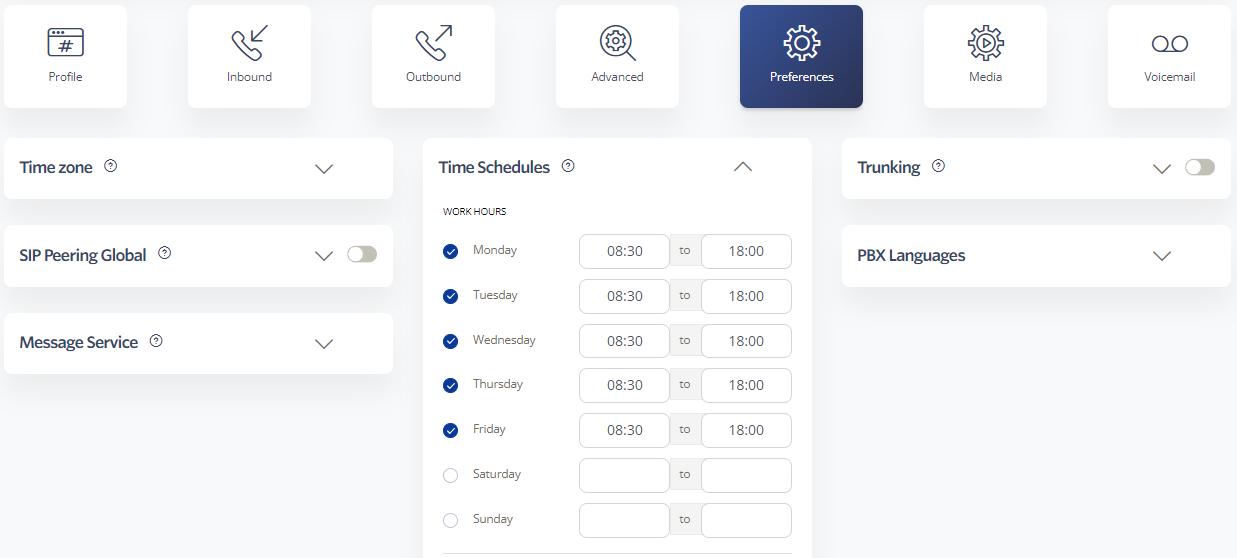
Most inbound calling features can be tied to a Time Schedule so they only trigger during the hours you choose:
Combine schedules with feature lines (see Adding Numbers) to build flexible after-hours and holiday routing without buying additional public DIDs.
