Time Zones

Set the time zone for a number so call records, schedules, and voicemail timestamps use the correct local time.

2talk supports every world time zone. Set the time zone on each number so call records, schedules, and voicemail timestamps reflect the correct local time.
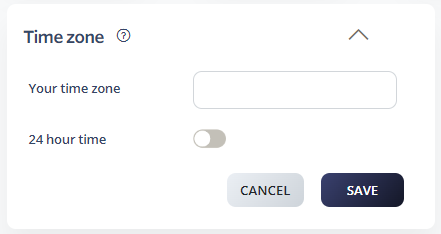
Set the time zone for a number

  1. Log in to your 2talk account.
  2. Go to Switchboard and select the number.
  3. Go to Preferences > Time Zone.
  4. Choose your time zone from the drop-down (or pick it on the world map).
  5. Optionally enable 24-hour time.
  6. Click Save.

Time Zone

Table of Contents