Mobile App
Experience ultimate mobility
Learn more

Mobile App
Experience ultimate mobility
Cloud Communications and VoIP Calling
You can upload an MP3 file when you want to use a prepared voicemail greeting instead of recording one by phone. Upload separate recordings for unavailable and busy greetings if you want different messages for each condition.
Each voicemail greeting must be an MP3 file under 400 KB. If the file is too large, reduce the recording bit rate or shorten the message before uploading it.
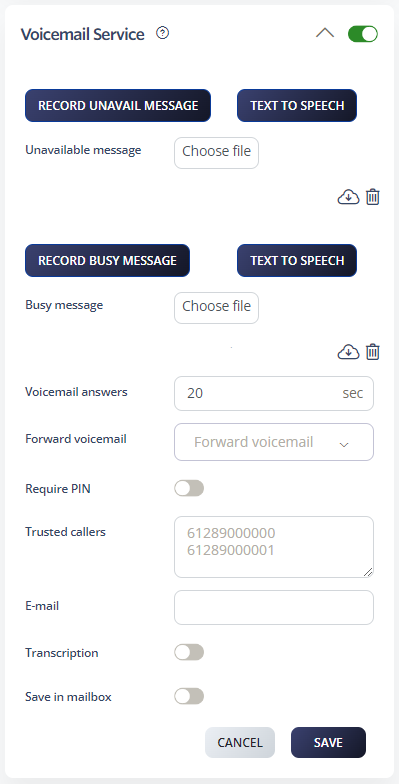
After saving, call the number and allow it to reach voicemail to confirm that the greeting plays correctly.
